Blog · Moodboard
Give AI a video reference with a moodboard and transcript
Sometimes you want an AI to understand a video's story and visual style, but you only have an image attachment and a text box. A moodboard and a transcript give it two useful references: sampled pictures from the clip and the words that were spoken. You can discuss the setting, subjects, framing, colors, and scenario without feeding it the entire video.
Open Moodboard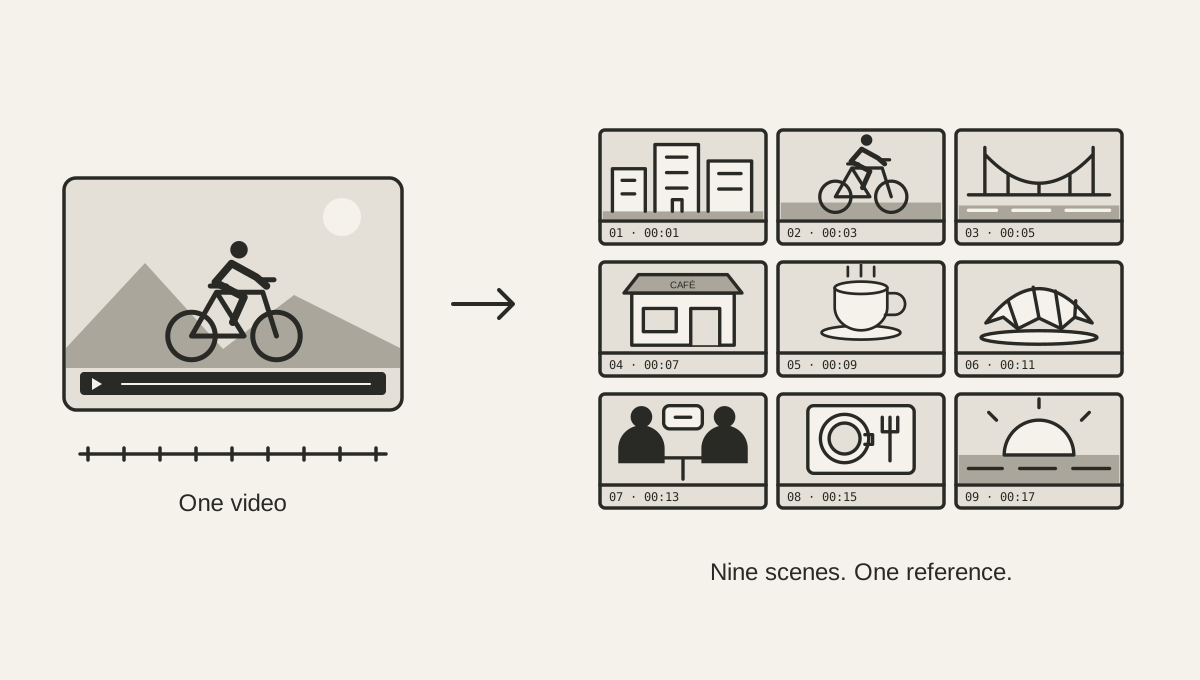
Turn a video into one reference image
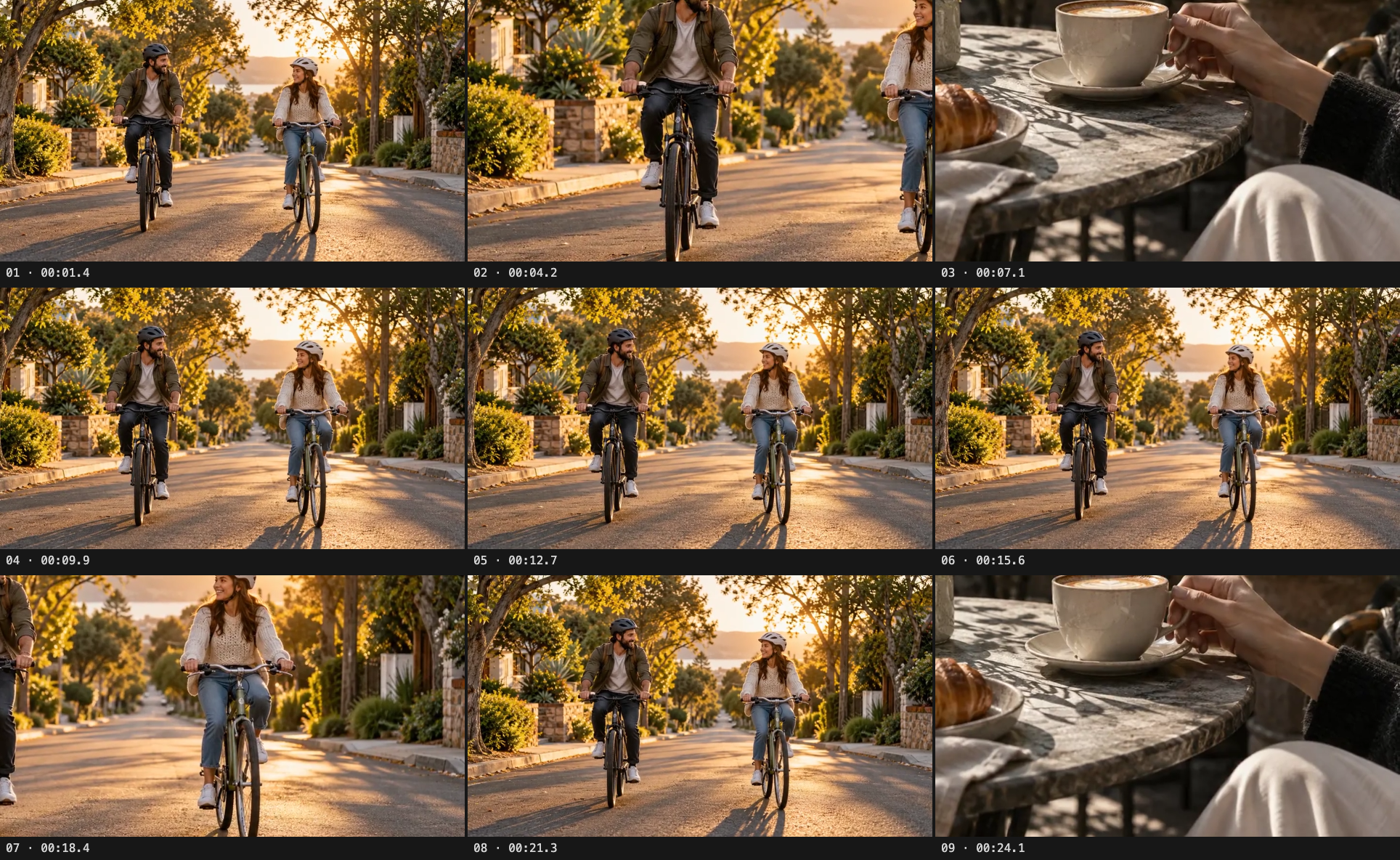
A video moodboard, also called a video contact sheet, collects still frames from a clip in one image. Choose a video in Moodboard. The tool automatically samples nine frames and arranges them in a 3 × 3 grid. It divides the video's duration into nine equal intervals and takes a frame from the middle of each interval, giving you an even spread through the clip without seeking to its exact endpoint.
Read the grid from left to right, then top to bottom. Each frame has its number and timestamp underneath. The full picture keeps its proportions, so a portrait clip stays portrait inside each cell and a landscape shot keeps its edges. Save PNG downloads the same image you see in the preview.
Your video stays on your device while the browser creates the grid. No account or model download is needed for Moodboard. The file can be up to 250 MB, and its video format must be playable by your browser.
Use a video contact sheet to review your edit
A contact sheet is also useful before you share a clip: compare how the setting, framing, and light change across the video in one glance. Timestamps help you find a frame in the source when you want to check its surrounding scene. Keep the PNG beside your notes or send it with a draft when asking for feedback on the visual sequence.
The grid samples the existing edit in order. It does not let you pick individual stills or rearrange shots, and it cannot show every transition. Use it to spot places worth reviewing, then play those moments in the video before making an editing decision.
Use more frames when the story changes quickly
Rows and columns can each be changed from one to six. A 2 × 3 grid gives you six samples; a 4 × 4 grid gives you sixteen. Changing either number rebuilds the image with evenly spaced samples across the same video.
Nine frames are a useful starting point for a short clip. Add more for a video with several locations or frequent cuts. Each frame's longest edge is at most 640 pixels, and the complete image fits within a 3072-pixel edge. Large grids use smaller frames to keep the saved image manageable, so more samples also mean less detail in each one.
Add the words with Video to text
Open the same clip in Video to text, choose its spoken language and transcription quality, then transcribe it. Listen at the timestamps and correct names, numbers, and missed words directly in the text. Copy the transcript or save it as Markdown.
Attach the moodboard to an AI that accepts images and include the corrected transcript in your message. The moodboard shows what was visible at its sample times; the transcript supplies dialogue or narration that a still image cannot show. If the order of a spoken line matters, include its timestamp from the transcription page: the copied text and Markdown export do not include timestamps.
Both tools prepare their results locally. When you attach the PNG or paste the transcript into another service, you are sharing those results with that service.
Ask for a description you can work from
Tell the AI what you want to make: a similar scene, a shot list, a new script, or an explanation of the video's visual language. A concrete request gives it a direction for interpreting the references. For example:
I've attached a moodboard sampled from a video, in chronological order, and included its corrected transcript below. Describe the scenario, subjects, setting, composition, lighting, color palette, and how the narration relates to the pictures. Separate what the frames show from what you infer. Then suggest a shot list and a short script for a new video with a similar style. Do not invent camera movement or actions between frames.
For a style reference, ask about visible choices such as warm daylight, close framing, wardrobe, backgrounds, or recurring colors. For a scenario reference, ask how the sampled scenes connect to the spoken story. You can point to a specific frame number when a detail matters.
Check what the samples leave out
Uniform sampling does not detect scene changes or pick highlights. A quick gesture, a subtitle, or an entire short shot may fall between samples. A still grid also cannot establish camera movement, editing rhythm, or what happens during every second of the clip. Automatic transcripts can miss speech too.
Review the saved image and corrected transcript before sharing them. If a key moment is missing, try a denser grid or provide an additional reference for that moment. Together, the two outputs give the AI much more context for the style and scenario; they remain a sampled reference, rather than a complete record of the video.
Example · Bike ride and coffee detour
One clip, nine frames
This is the same narrated clip used in the transcription guide. Its moodboard lets you inspect the visual reference alongside the spoken story. Download the sample video to try both tools with the same file.
Download sample video