Make a video contact sheet for editing feedback
A video contact sheet collects frames from one clip into a single image. Instead of describing “that bit near the café,” you can point to a frame number and timestamp. It gives an editor or collaborator a quick view of the visual sequence before they play the draft.
Open Moodboard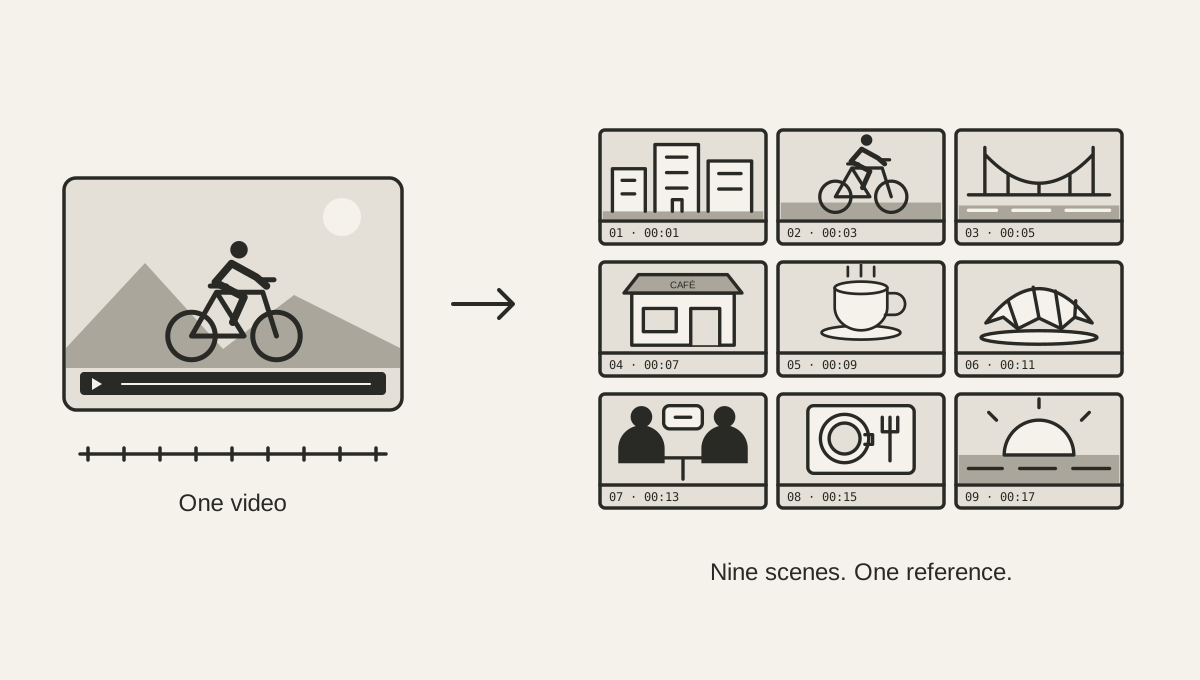
Create the sheet from the draft you are reviewing
Choose your video in Moodboard. The default is a 3 × 3 grid: nine frames sampled across the clip, arranged from left to right and then top to bottom. Each frame has its number and source timestamp beneath it. Save PNG downloads that grid as one image, including those labels.
Use the same export you send for review. If you later cut the introduction or reorder scenes, timestamps from the earlier contact sheet will no longer refer to the same moments. Give the draft, sheet, and notes a shared version name, such as coffee-ride-v2, and regenerate the sheet when the edit changes.
The tool accepts videos up to 250 MB in formats your browser can play. An MP4 with H.264 video or a WebM is a useful starting point when a file cannot be read. No account or model download is needed, and the video stays on your device while the frames are extracted.
Choose enough samples to see the sequence
Nine frames usually give you a readable overview of a short clip. If several locations or subjects appear between those samples, try four rows and four columns for sixteen frames. Rows and columns each range from one to six. Changing them rebuilds the sheet across the same full duration; it does not add selected frames to the old grid.
Sampling is evenly spaced. For a 90-second clip with nine samples, the tool takes a frame near 5, 15, 25 seconds, and so on through 85 seconds: the middle of each ten-second interval. A one-second shot between those points can disappear from the sheet entirely. More samples reduce the gaps, but they still do not guarantee that every cut or action appears.
A denser grid also means smaller pictures. Each frame's longest edge is at most 640 pixels, and the full PNG fits within a 3072-pixel edge. Keep a modest grid when you need to inspect framing or compare faces. Play the video for small text, focus, and exact transitions rather than trying to read every detail in a crowded sheet.
Write notes that lead to a concrete check
Start with something visible: a change in brightness, a subject becoming very small, or several similar wide shots in a row. Reference the frame number and timestamp, then explain the question or desired change. A sample is a place to investigate; it is not proof that the surrounding scene has the same problem.
Frame 04 at 00:17: the subject looks smaller than in the previous sample. Please play this passage and check whether a closer crop would help. Keep enough of the street visible to explain where we are.
The wording above is an example of a review note, not a finding about the demo below. Other useful checks include whether an opening identifies the setting, whether two consecutive scenes feel too similar, or whether a caption remains readable. Confirm your observation in motion before asking for a change.
Inspect a real contact sheet
This PNG was generated from our narrated bike ride and coffee-stop sample. Follow the numbered frames across each row to see the locations change. Download the source to try a denser grid and compare what the additional samples reveal.
Download sample video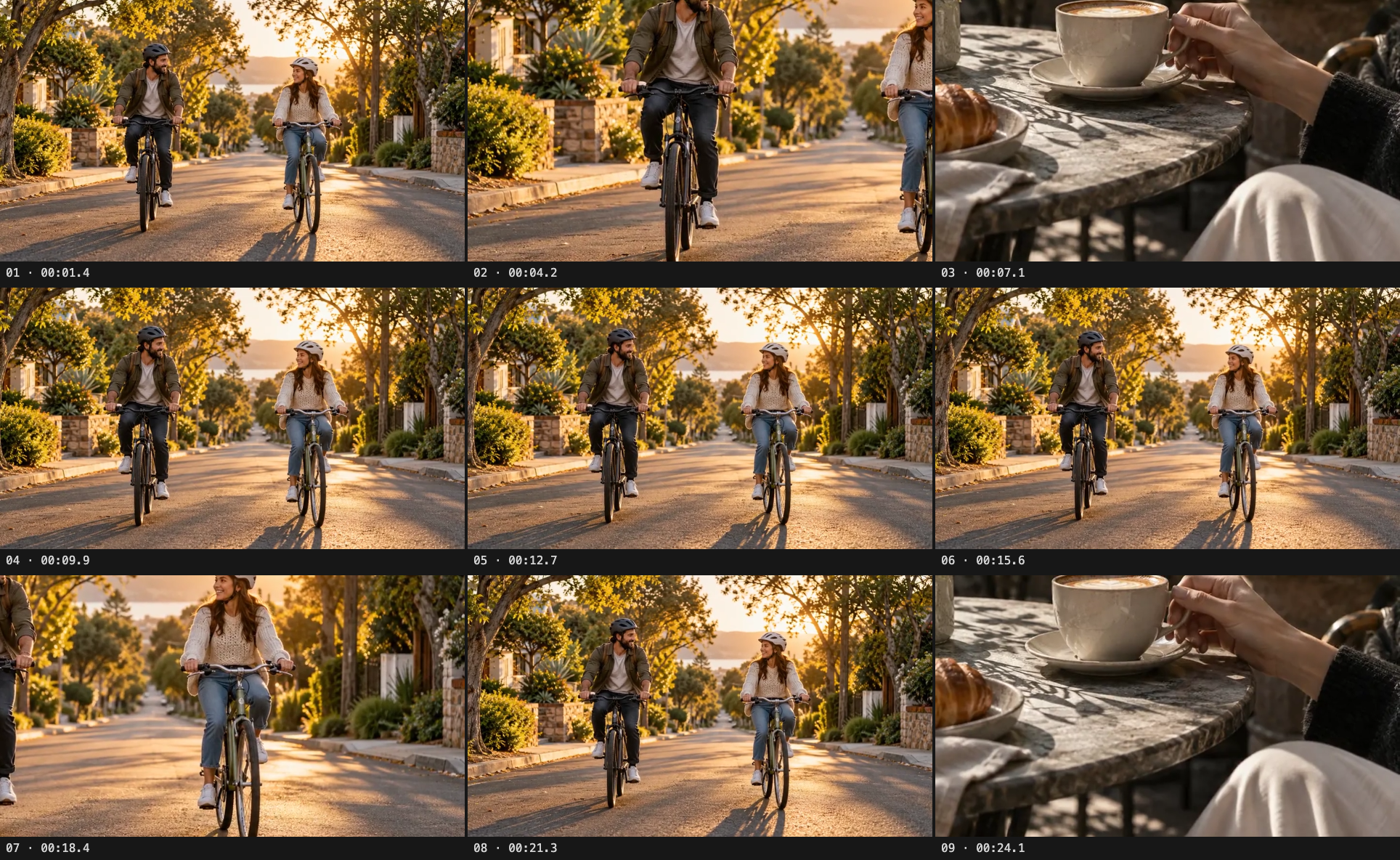
Send the sheet alongside the video
Keep the contact sheet with the draft and your notes. It helps a collaborator orient themselves, but the video still supplies movement, sound, and editing rhythm. To prepare spoken notes too, make and correct a transcript. Copy important timestamps from the transcription page into your notes when needed; its Markdown export contains the words without subtitle timing.
If you want to discuss the visual style with an AI that accepts images, the moodboard and transcript workflow includes a reference prompt. Saving locally keeps the media on your device. Sending the PNG, transcript, or video to another person or service shares that material with them.
Know what a contact sheet cannot show
Moodboard samples existing footage. It does not detect scene boundaries, pick highlights, rearrange shots, or let you select individual stills. A storyboard plans shots before filming; this sheet summarizes sampled moments after filming. Use it to find passages worth reviewing, then return to the actual video to judge timing, continuity, and audio.