A few ways to put the tools to work.
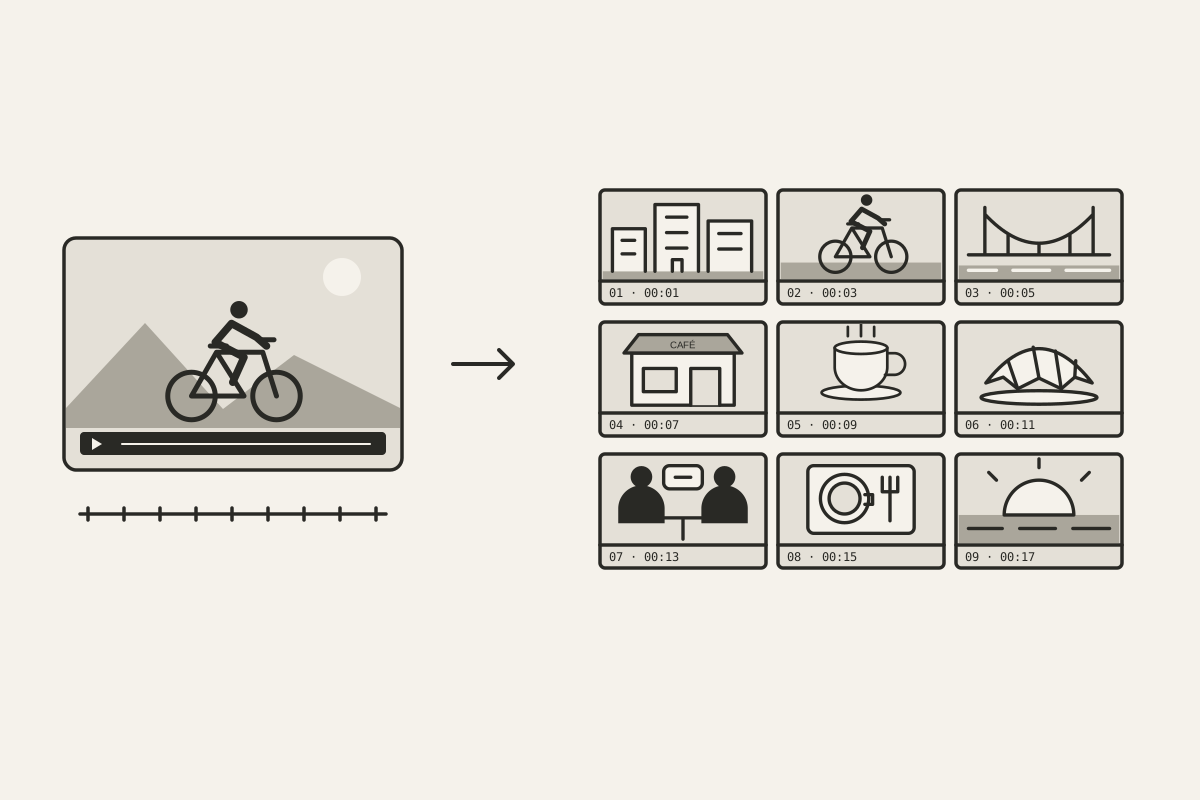
Extract evenly spaced video frames into a timestamped PNG contact sheet. Review the visual sequence, choose grid density, and write feedback tied to moments.
Reframe a landscape interview for a 9:16 clip with both speakers visible. Choose two crops, check gestures and captions, then save a vertical video.
Turn video into a grid of evenly spaced frames, then pair it with a transcript to give an image-capable AI a reference for the story, visuals, and style.
Turn a landscape video into a vertical 9:16 split screen. Select two crops, stack them, and keep both subjects visible. Includes a preview and sample clip.
Make a font cycling video from one image: add text, choose changing typefaces, and export a vertical clip. Follow the walkthrough and play the example.
Transcribe video to text in your browser without uploading the file. Choose a language, review timestamps, then copy or save a transcript. Includes a demo.